
Your stage rider,
dialed in.
Build input & output patchlists, drag-and-drop stage plots, monitor mixes, and equipment lists — then export a clean PDF and sync every show across your devices.
Free to start — build up to 2 shows. Premium unlocks unlimited.
One app for the whole rider
From the first input to the final stage plot — organized, shareable, and always up to date.
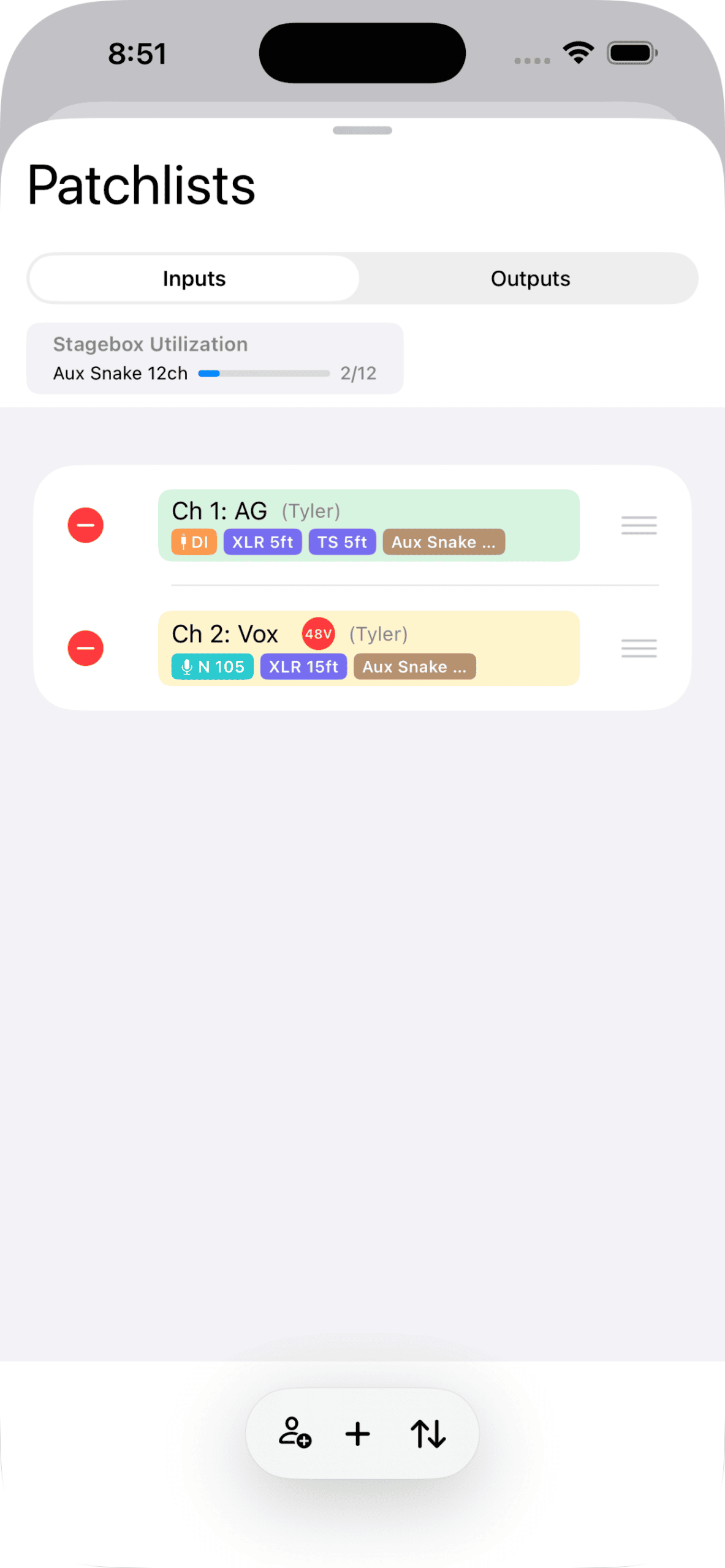
Input & Output Patchlists
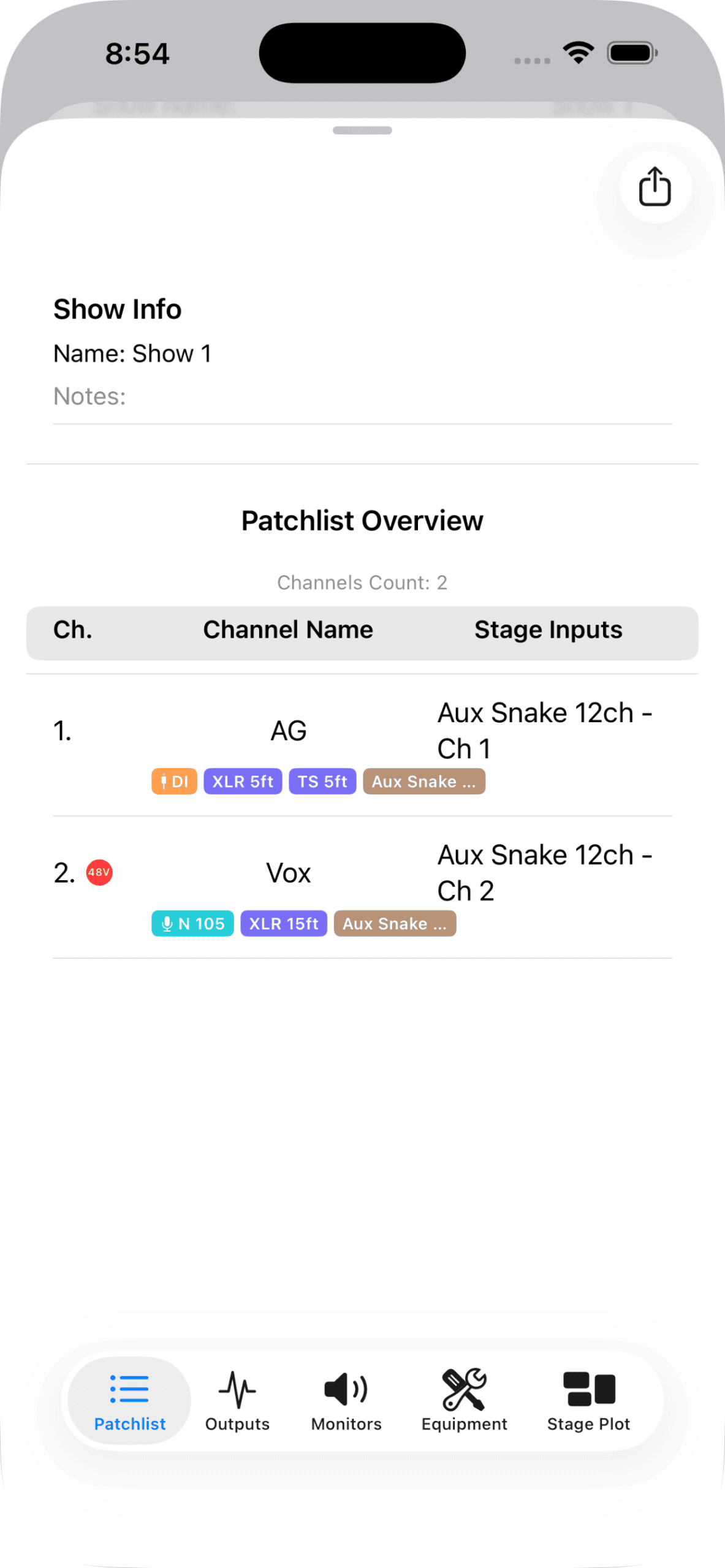
Lay out every channel, mic, DI, phantom, and cable run — with live stagebox utilization so you never overshoot a snake.
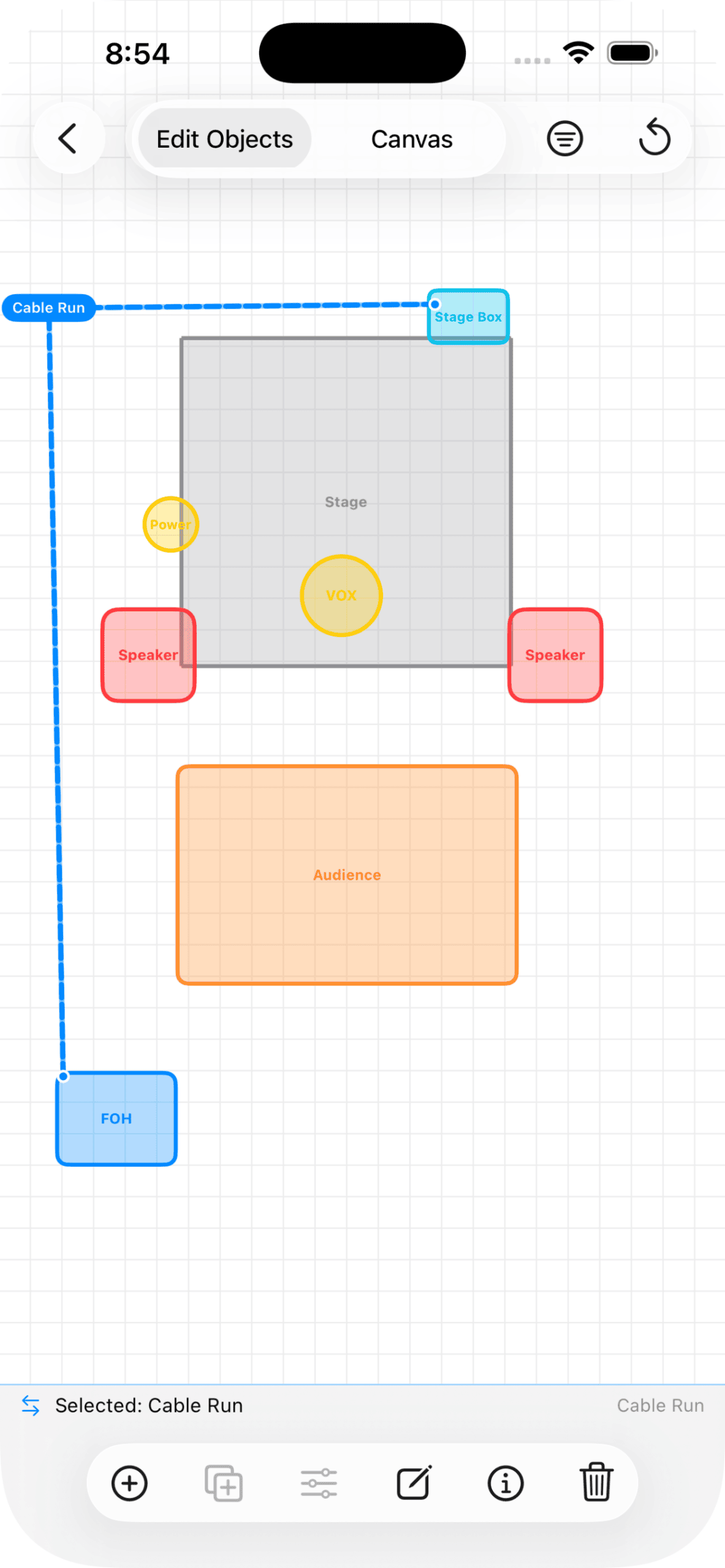
Drag-and-Drop Stage Plots
Place instruments, vocals, monitors, risers, and power on a visual stage. It exports right alongside the rider.
Monitor Mixes
Build wedge and IEM mixes per performer, assign sources, and keep everyone's ears organized.
Equipment Lists
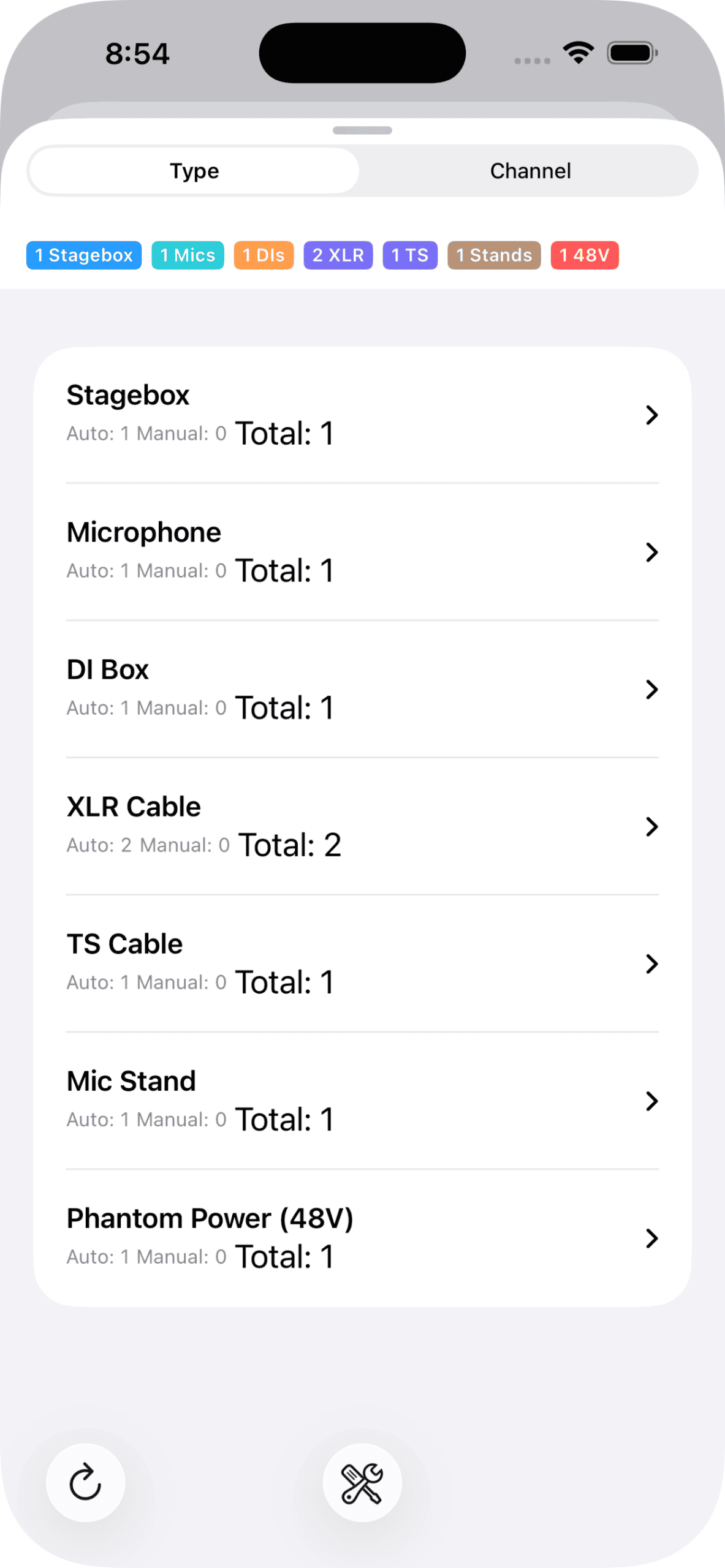
Track gear by category — auto-detected from your patch — so the backline list writes itself.
Pro PDF Export
One tap to a clean, professional rider PDF — patch, outputs, monitors, equipment, and stage plot — ready for FOH or the venue.
iCloud Sync & Sharing
Your shows follow you across iPhone and iPad automatically — and you can share a show with your team.
Stage-ready in three steps
Create a show
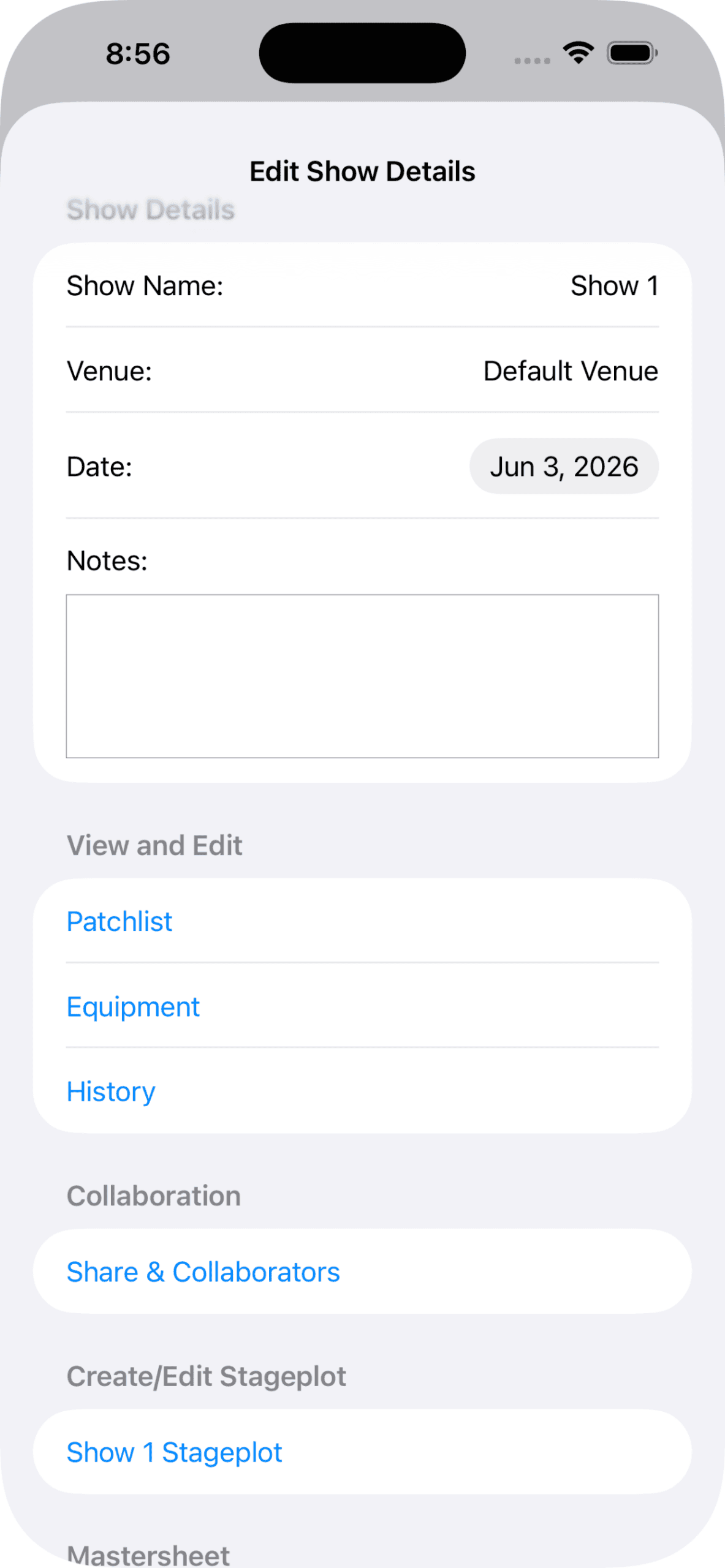
Name it, set the venue and date. Your house console and stagebox can be pre-set as defaults.
Build the patch & plot
Add channels, outputs, and monitor mixes, then drop everything onto a visual stage plot.
Export & share
Generate a clean PDF rider and send it to the venue, FOH, or your bandmates in seconds.
Designed for the working stage
Start free. Upgrade when you grow.
Free
- ✓ Up to 2 shows
- ✓ Full patchlists, outputs & monitors
- ✓ Stage plot builder
- ✓ PDF export & iCloud sync
Premium
- ✓ Unlimited shows
- ✓ Everything in Free
- ✓ Priority support
- ✓ Monthly, 3-mo, 6-mo & yearly plans
Auto-renewing subscription. Cancel anytime in your App Store account settings.
Frequently asked
Is My Music Rider free?
Yes. You can build up to 2 shows free with every core feature — patchlists, outputs, monitor mixes, stage plots, equipment lists, PDF export, and iCloud sync. Premium removes the show limit so you can manage unlimited shows.
Does my data sync across my devices?
Yes. Your shows sync automatically across your iPhone and iPad through your private iCloud account — nothing is stored on our servers. Sign in with the same Apple ID on each device and your riders follow you.
Can I export and share a rider?
Absolutely. Export a clean, professional PDF of your full rider — patch, outputs, monitors, equipment, and stage plot — and send it to the venue, FOH engineer, or your bandmates in a tap.
Can I share a show with my band or crew?
Yes. You can share a show so your team can view and collaborate on it, keeping everyone working from the same rider.
Does it work without an internet connection?
Yes. Build and edit everything offline — your changes sync to iCloud automatically the next time you're connected.
How do I manage or cancel Premium?
Premium is an auto-renewing subscription billed through your Apple ID. Manage or cancel anytime in your App Store account settings — there's a direct link inside the app.
Run your next show from your pocket.
Build the rider once, keep it synced, and walk into every gig prepared.
Download on the App Store